Rete
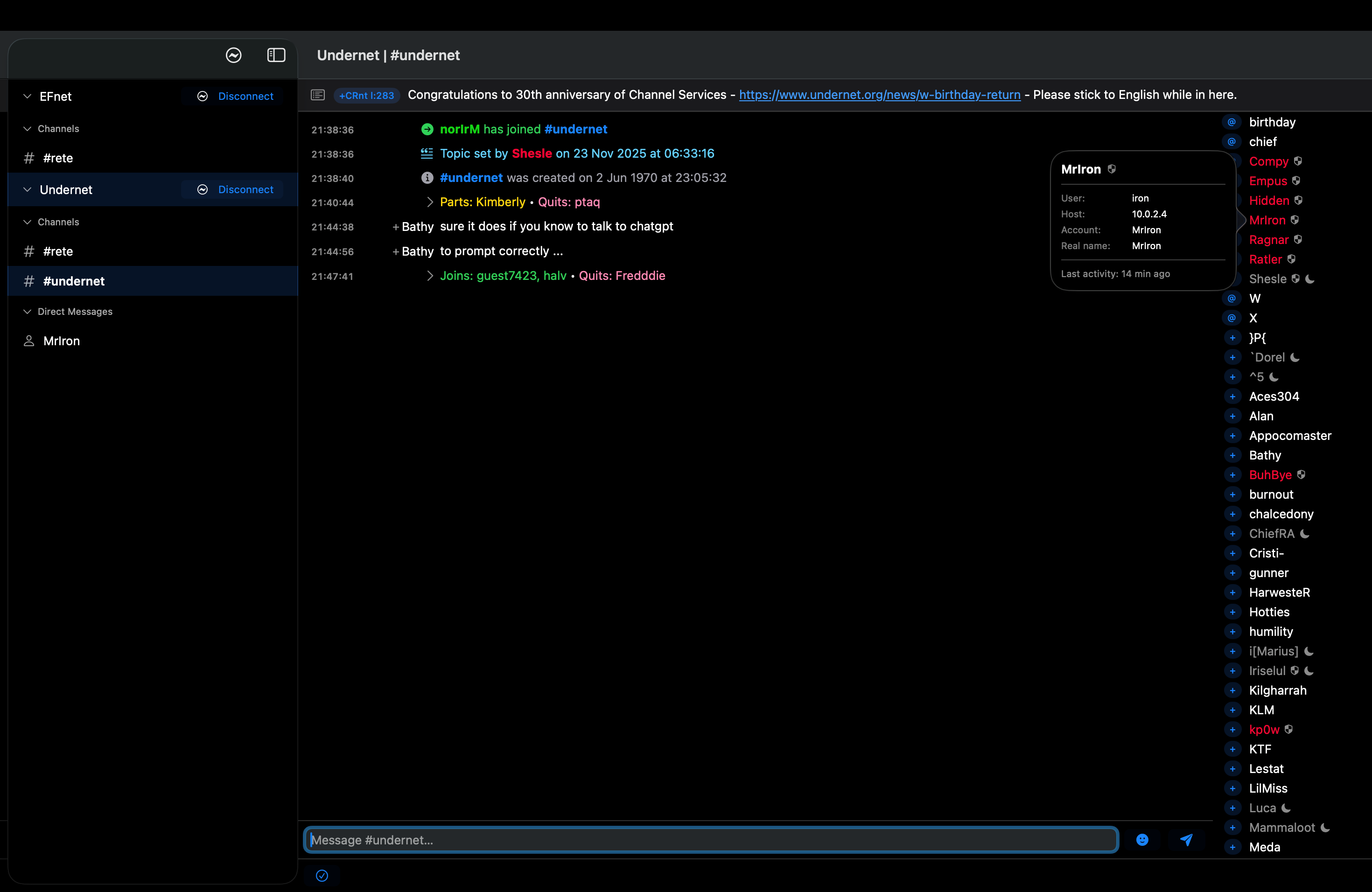
The macOS IRC client with native Apple UI.
See GitHub for available builds.
GitHub releases ↗App Store · planned rete/
rete/Rete for macOS, ReteCross for Linux, and reTerm for the terminal.
All three are written in Swift. Rete for macOS uses native Apple UI.
Stable releases, plus newer prereleases when available.
 All three clients are written in Swift.
The macOS IRC client with native Apple UI.
See GitHub for available builds.
GitHub releases ↗App Store · plannedThe graphical IRC client for Linux.
See GitHub for available builds.
GitHub releases ↗The terminal IRC client for Linux and macOS.
See GitHub for available builds.
GitHub releases ↗Prereleases are development builds. Changelog ↗ · Release notes, checksums, and debug symbols are available on GitHub.
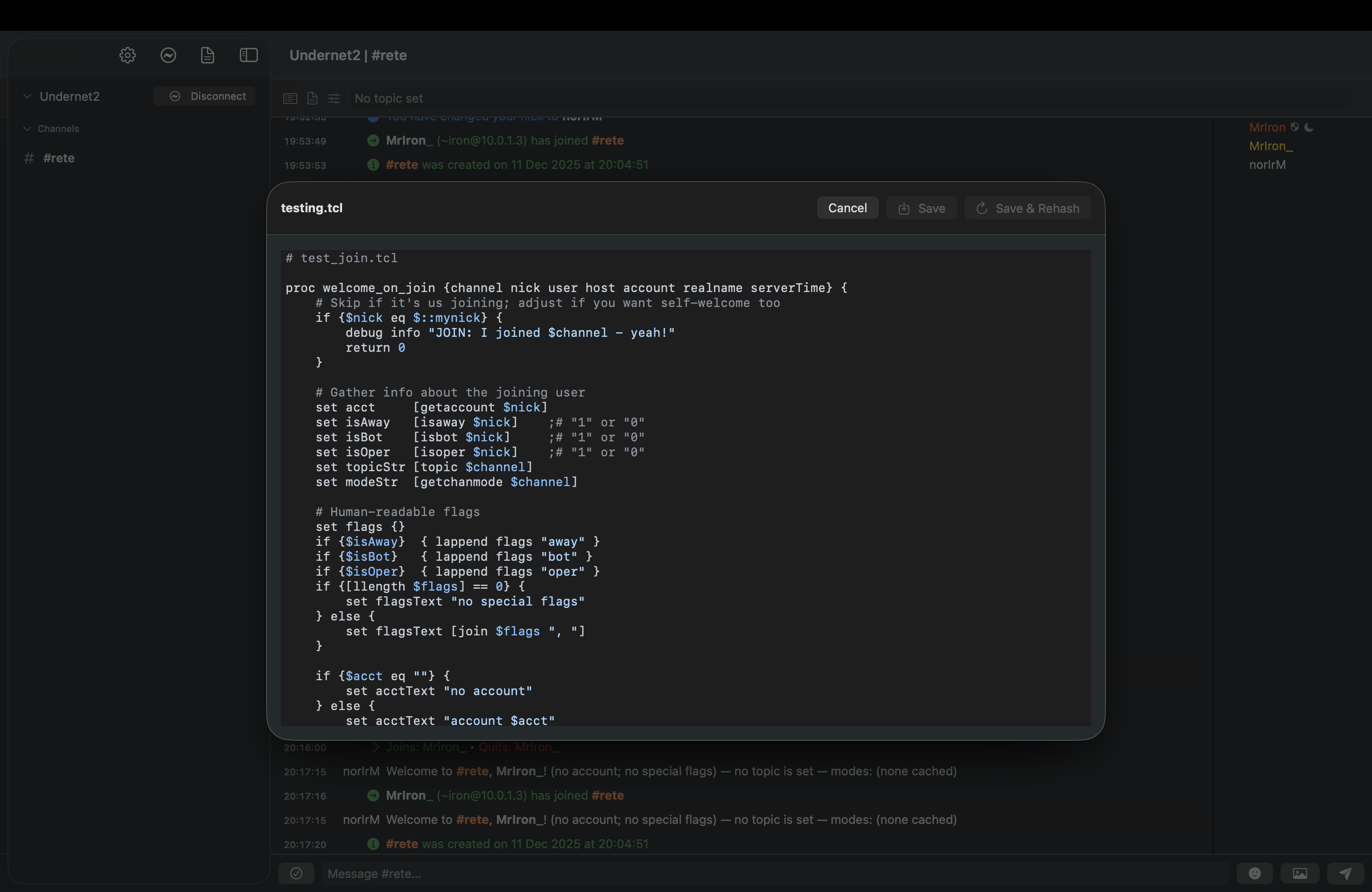
Rete supports JSON themes and Tcl scripts. Change the appearance, register commands, and respond to IRC events. The documentation covers the scripting API, theme format, and MCP control API.
Define light and dark palettes, fonts, and message colors in JSON.
Theme reference ↗02 / SCRIPTINGHandle IRC events, add slash commands, and schedule tasks with timers.
Explore the scripting API ↗# Register a custom slash command
proc greet {params bufferId bufferName} {
::rete::msg $bufferName "Hello, $params!"
}
::rete::addcommand greet greetWrite and edit Tcl scripts in Rete. See the scripting reference for events, commands, timers, and script-driven interfaces.
Open the documentation ↗